Running Kubernetes in production is a different game from running it in development. The cluster works fine in staging, then something fails at 2am on a Friday. Here's what I always verify before calling a cluster "production-ready."
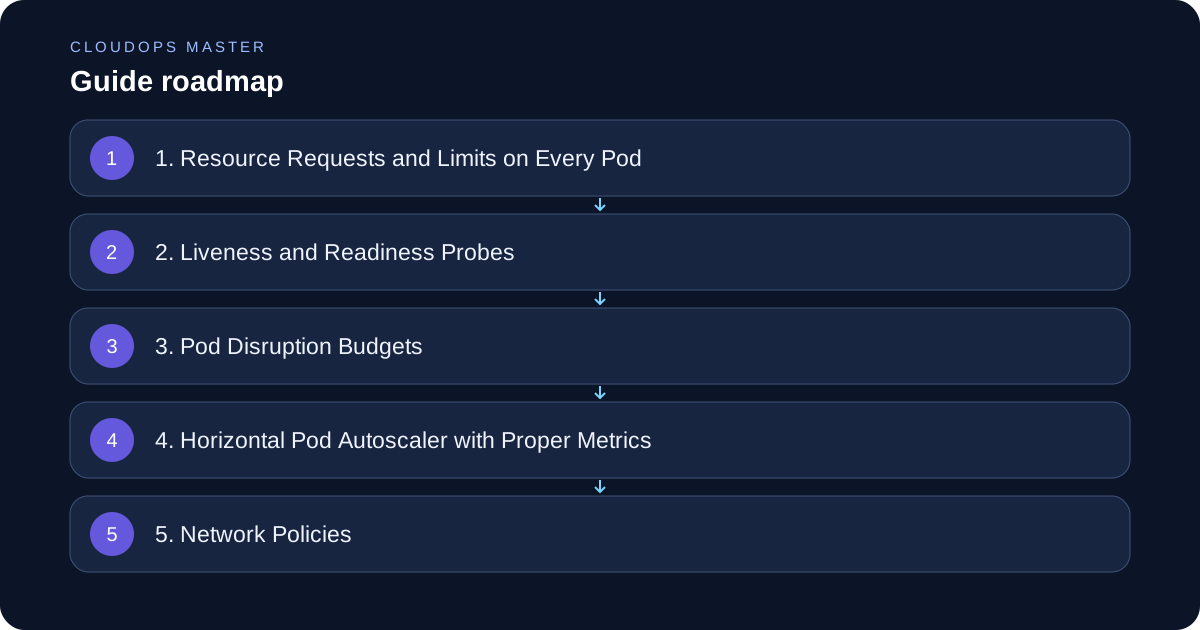
1. Resource Requests and Limits on Every Pod
This is the most common mistake. Without resource requests, the scheduler has no idea where to place pods. Without limits, one misbehaving pod can starve the entire node.
resources:
  requests:
    cpu: "100m"
    memory: "128Mi"
  limits:
    cpu: "500m"
    memory: "512Mi"
A pod without requests is a scheduling lottery. Set them for every container, including init containers.
2. Liveness and Readiness Probes
Readiness probes prevent traffic from reaching pods that aren't ready. Liveness probes restart pods that are stuck. Both are non-negotiable in production.
livenessProbe:
  httpGet:
    path: /healthz
    port: 8080
  initialDelaySeconds: 10
  periodSeconds: 15

readinessProbe:
  httpGet:
    path: /ready
    port: 8080
  initialDelaySeconds: 5
  periodSeconds: 10
Don't use the same endpoint for both. A liveness check should be minimal (is the process alive?). A readiness check can verify downstream dependencies.
3. Pod Disruption Budgets
When you drain a node or do a rolling update, Kubernetes needs to know how many pods can be unavailable at once. Without a PDB, your service can go fully down during maintenance.
apiVersion: policy/v1
kind: PodDisruptionBudget
metadata:
  name: my-app-pdb
spec:
  minAvailable: 2
  selector:
    matchLabels:
      app: my-app
For critical services, I always set minAvailable to at least 1, or use maxUnavailable: 1.
4. Horizontal Pod Autoscaler with Proper Metrics
Default HPA uses CPU utilization, which is often the wrong signal. For web services, requests-per-second or queue depth is more meaningful.
apiVersion: autoscaling/v2
kind: HorizontalPodAutoscaler
spec:
  minReplicas: 3
  maxReplicas: 20
  metrics:
    - type: Resource
      resource:
        name: cpu
        target:
          type: Utilization
          averageUtilization: 70
Set minReplicas to at least 2 for anything that needs to survive a node failure.
5. Network Policies
By default, all pods can communicate with each other. This is a security problem. Implement network policies to enforce least-privilege communication.
apiVersion: networking.k8s.io/v1
kind: NetworkPolicy
metadata:
  name: allow-frontend-to-backend
spec:
  podSelector:
    matchLabels:
      app: backend
  ingress:
    - from:
        - podSelector:
            matchLabels:
              app: frontend
Start with a default deny-all policy, then add specific allow rules.
6. RBAC with Least Privilege
Don't use the default service account. Create dedicated service accounts for each application, grant only the permissions it actually needs, and rotate credentials regularly.
7. Secrets Management
Kubernetes Secrets are base64-encoded, not encrypted by default. Options:
- Enable etcd encryption at rest
- Use external secrets managers (HashiCorp Vault, AWS Secrets Manager)
- Use Sealed Secrets or External Secrets Operator
Never put plain secrets in your Git repository.
8. Proper Ingress Configuration
Make sure your ingress controller has:
- Rate limiting configured
- Connection timeouts set
- SSL/TLS termination working
keep-aliveproperly configured
The Quick Checklist
Before going live, verify:
- [ ] All pods have resource requests and limits
- [ ] Liveness and readiness probes configured
- [ ] PodDisruptionBudget defined for critical services
- [ ] HPA configured with appropriate min/max replicas
- [ ] Network policies enforcing least-privilege
- [ ] RBAC with dedicated service accounts
- [ ] Secrets not stored in plain text
- [ ] Ingress controller hardened
- [ ] Monitoring and alerting connected (Prometheus + Grafana)
- [ ] Log aggregation working (Loki or ELK)
Most of these are 10-minute fixes that prevent hours of downtime. Get them done before your first production deployment, not after your first incident.